01PitSphere softwareDrill-and-blast engineering

Private desktop release • 2026.08.09.2

Blast Forge

Design the blast. Test the outcome. Reconcile the result.

Blast Forge is the engineering core of PitSphere: a native, offline workspace for designing, simulating, validating, and improving drill-and-blast plans.

01Design02Predict03Reconcile
Blast Forge app logoOfficial application identity
The product goal

Give the blast engineer a complete line of sight from terrain and hole geometry to timing, energy, predicted performance, field actuals, and the final reconciled report.

1-minute product demonstration

Design, predict, and reconcile in one engineering workspace.

A detailed module tour of 3D design, charging and timing, performance screening, movement, calibration, exchange, reconciliation, and the benefit of every engineering step.

Captioned module tour | Features and user benefits | Playback controls included

Latest verified release

2026.08.09.2

What is new now.

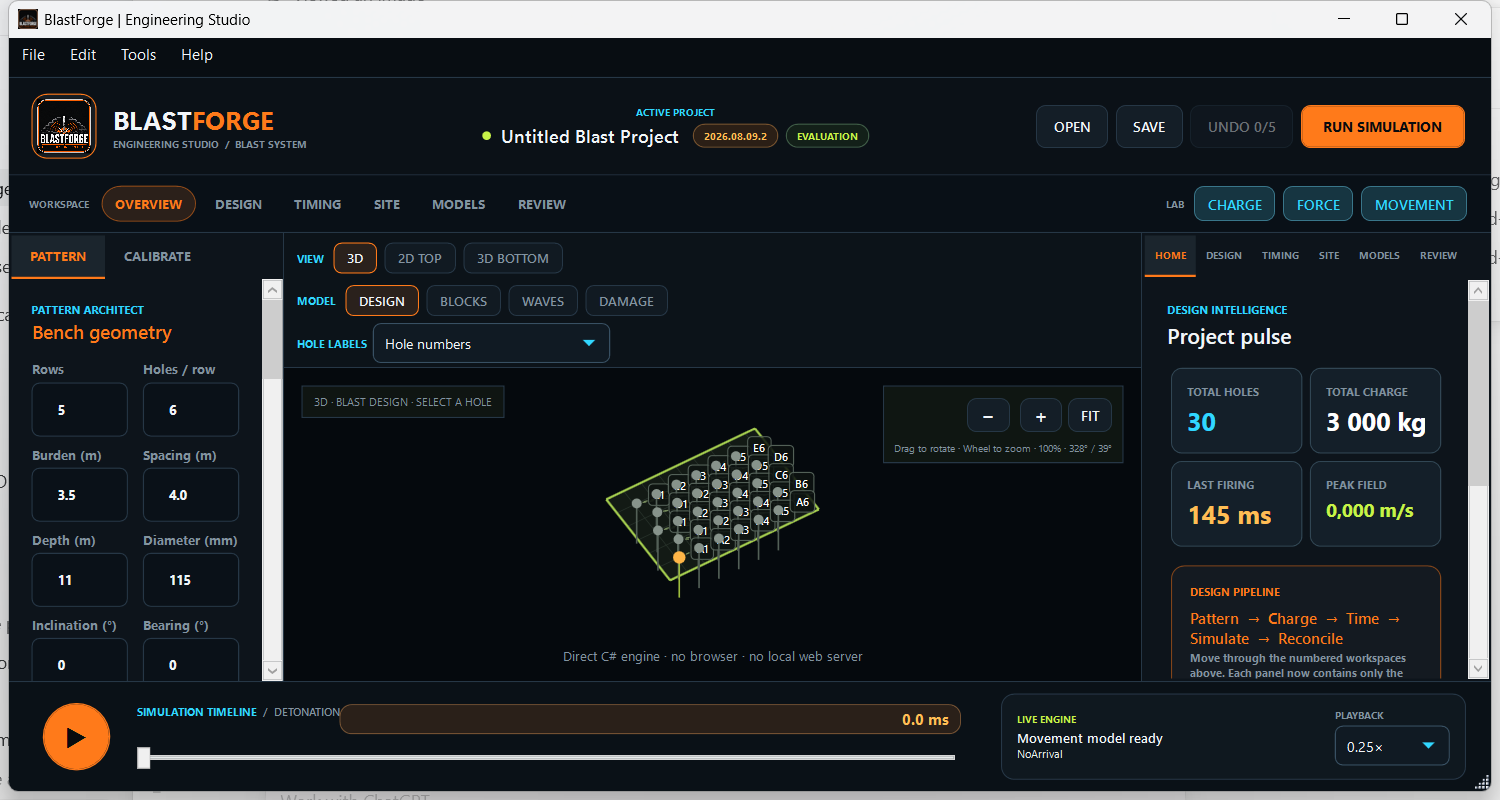
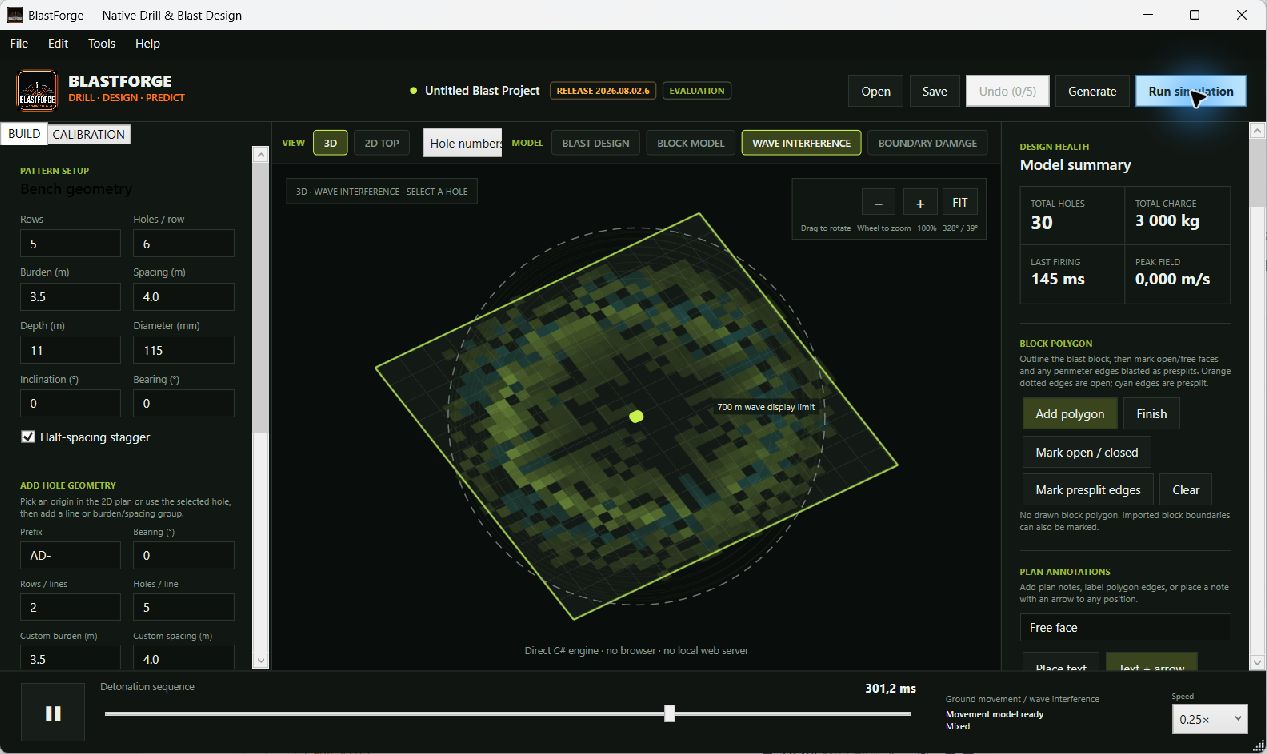
Blast Forge 2026.08.09.2 introduces a unified Engineering Studio that keeps the live blast model visible while engineers move through design, timing, site analysis, modelling, and review.

  1. 01

    Ordered Overview, Design, Timing, Site, Models, and Review workspaces that mirror the engineering decision path

  2. 02

    A persistent live model stage that preserves geometry, context, and visual continuity while tools change

  3. 03

    Streamlined analysis launchers for fragmentation, vibration, airblast, movement, dilution, voids, and energy behaviour

  4. 04

    A redesigned simulation timeline that makes firing progression, interference, and model playback easier to interpret

  5. 05

    The established movement-quality modes, underground zones, old workings, cavities, and progressive-collapse modelling remain available in the new studio

Inside the software

Built around the work, not around generic dashboards.

Complete capability map

One product, three connected responsibilities.

01

Design and validate

Build the engineering plan with its spatial and loading context intact.

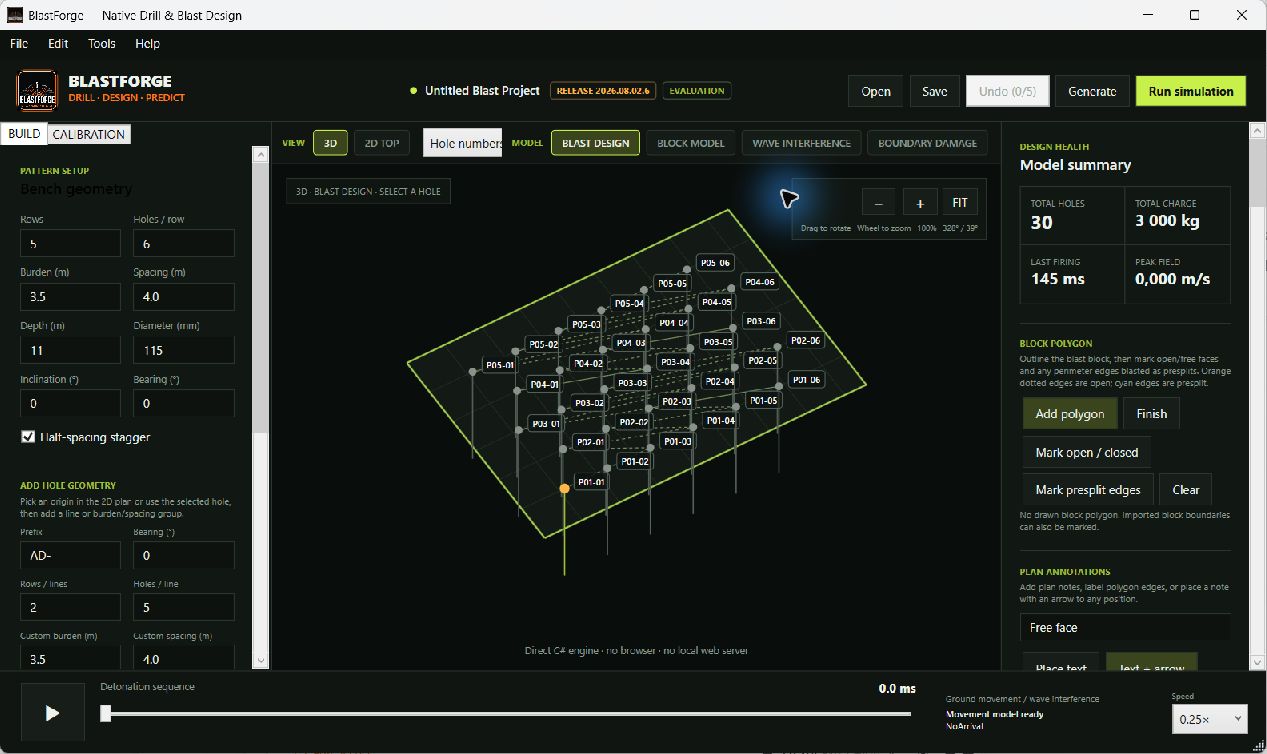
  • 2D and 3D terrain, bench, face, block, hole, deck, and exclusion-zone design
  • Rectangular and staggered pattern generation, reusable templates, and geometry editing
  • Inclined holes, single- and multi-hole editing, survey terrain, and burden-to-face calculation
  • Row-letter hole numbering, optional block prefixes, whole-design renumbering, safe hole renaming, deletion, and five-step undo
  • Line, burden-and-spacing, polygon, distance, and bearing tools with persistent plan notes and directional annotations
  • Multi-deck charging, primers, stemming, explosive libraries, and geological layers
  • Presplit and decked-hole Charge & Energy Designer with bulk, cartridge, air, water, and inert sections
  • Presplit Crack Designer, Explosive Force Profile, and Energy Confinement & Interaction workspaces
  • Design-rule checks for ratios, stemming, missing explosive, primers, and simultaneous firing groups
02

Predict and compare

Screen the design against the outcomes that matter before the blast is fired.

  • Initiation networks, editable pyrotechnic surface connections, directional tie-ins, product delays, cycle checks, and downstream timing propagation
  • Single-hole, multi-hole, and line timing assignment with firing-event conflict charts, peak instantaneous charge, and timing contours
  • Animated detonation-wave propagation and constructive or destructive interference screening
  • Fragmentation, vibration, airblast, heave, ground-movement, muckpile-profile, ore-loss, dilution, and boundary-damage screening
  • Manual subsurface material zones, old workings, cavities, progressive roof collapse, and below-horizon 3D inspection
  • Vibration receptors, uncertainty ranges, site calibration, and measured-performance fitting
  • Mass, energy, coupling, decoupling, ANFO-equivalent, and energy-by-depth calculations
  • Scenario comparison for hole count, charge, firing duration, and maximum charge per delay
03

Exchange and reconcile

Carry the approved plan into the field and return the actual result to engineering.

  • CSV, Excel, XML, ASCII-DXF, KML, KMZ, GeoJSON, image-overlay, and survey exchange
  • Controlled local conversion for DGN, DWG, ARCH_D, STR, DTM, DUF, DM, and NAV design files
  • DXF exchange that retains diameter, charge, firing time, and surface-connection metadata
  • Verified Full View packages with planned holes, decks, stemming, timing, geometry, and predictions
  • Full View actuals import with blast, cut, sector, coordinate, and hole-identity checks
  • Hole-by-hole planned-versus-actual depth, diameter, product, charge, stemming, and delay variance
  • Pre-blast, firing-sequence, charge, prediction, and full reconciled blast reports
  • Persistent engineer calibration profiles, signed offline licence verification, and versioned native Windows x64/x86 projects
  • Auditable 10% supervisor verification samples shared with Full View and returned in reconciled reports

Where it earns its place

Designed for real decisions and accountable handovers.

01Blast engineer

Bench blast design

Create the pattern, loading, timing, terrain context, and design checks in one project.

02Technical services

Technical review

Compare scenarios and review vibration, fragmentation, movement, timing, and energy screens.

03Engineer and operations

Blast reconciliation

Import Full View actuals and produce a traceable plan-versus-result record.

Deployment and requirements

Ready for the operation you have today.

The private release is decision-support engineering software. Site calibration, approved product data, competent-person review, and statutory controls remain essential.

Current platform
Native Windows desktop, x64 and x86
Connectivity
Fully offline operation; no browser or local web server required
Installation
One-click installer with the required desktop runtime included
Project data
Versioned local project files with portable exchange packages

Member release access

Public product information. Protected software releases.

Product pages are public, while software packages remain protected. Members sign in with ChatGPT, receive owner approval, and complete a separate release-password check before the catalogue or package links become available.

Member sign-in required

Continue through PitSphere

Field controlFull ViewTender controlMegaPit